bvate 2026 Laptop 14 Inches up to 2.8 GHz Celeron 256GB SSD PC Laptop Supports 1TB SSD Expansion with Wireless Mouse for Work-Study-Learning 1080 Mini Multimedia Port-Gold
Visit the bvate Store|bvate
9.4/10
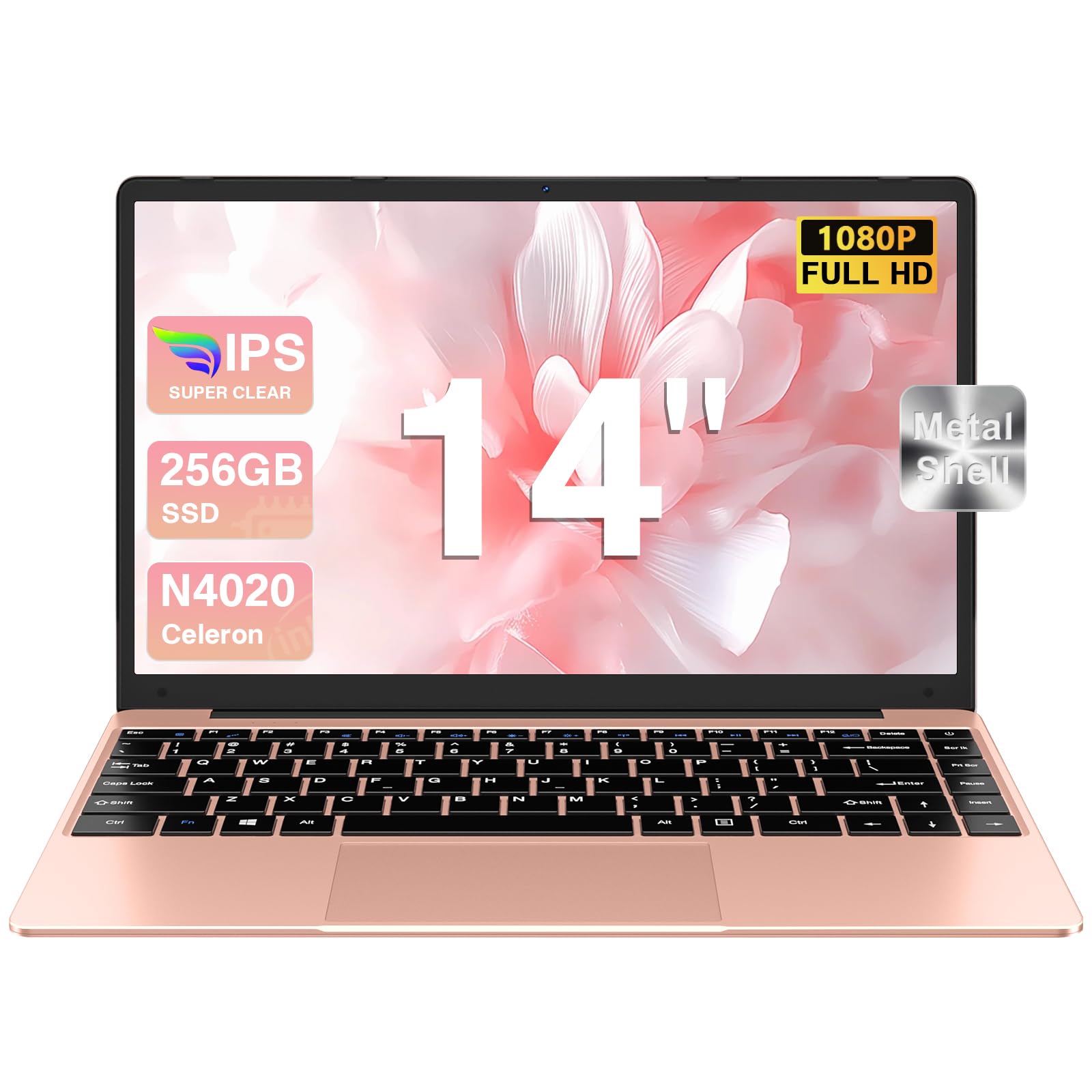
This Win 11 laptop 14 inch laptop is equipped with the performance of N4020 processor, Laptop offers unmatched speed. Run multiple apps and browser tabs and videos seamlessly, ensuring faster multitasking and enjoying immersive entertainment, work and study.
Especificaciones
| Marca | Visit the bvate Store |
|---|---|
| Modelo | bvate |

Descripción completa
- This Win 11 laptop 14 inch laptop is equipped with the performance of N4020 processor, Laptop offers unmatched speed. Run multiple apps and browser tabs and videos seamlessly, ensuring faster multitasking and enjoying immersive entertainment, work and study.
- Laptop 6GB RAM boost performance. Plus, the hard drive with 256GB SSD, plenty of space and faster read and write speeds for your documents, photos and videos. You can expand memory via TF card expand to 512GB or upgrade SSD to 1TB to ensure ample space to handle most applications and multiple workflow.
- 5000mAh large battery, sleep standby up to 200 hours, 5-6 hours video playback. With 2.4G+5G Dual-band WiFi and BT 4.2, Using Dual USB3.0, and Mini HDMI slots available(Adapters Required), this win laptop allows you to expand to multiple devices, achieve fast wireless transmission and network seamlessly anywhere like coffee shop, library or even traveling.
- bvate B7 laptop adopt with new generation design, only 2.91 lbs in weight and 21 mm thick, has 14 inch large screen laptop, the computer screen can be rotated 180 degrees, with 1920x1080 Full HD IPS screen, which provides you an unlimited field of viewing enjoyment, both with a large screen and thinness.You could get an immersive experience and the perfect match.
- First you need to enter the laptop settings, select the language and choose the downloaded Spanish. Finally, if there is no membrane keyboard (QWERTY keyboard), in Spanish: Shift+; you can type Ñ, if you click;, you can type ñ, if you put a membrane on the keyboard, in Spanish, you can directly make a single click on Ñ to type ñ, press Shift +, these two keys, you can type Ñ.